Choice
No map of everyone

A Skyline IT & Cloud Company
Helpful support. Your choices.
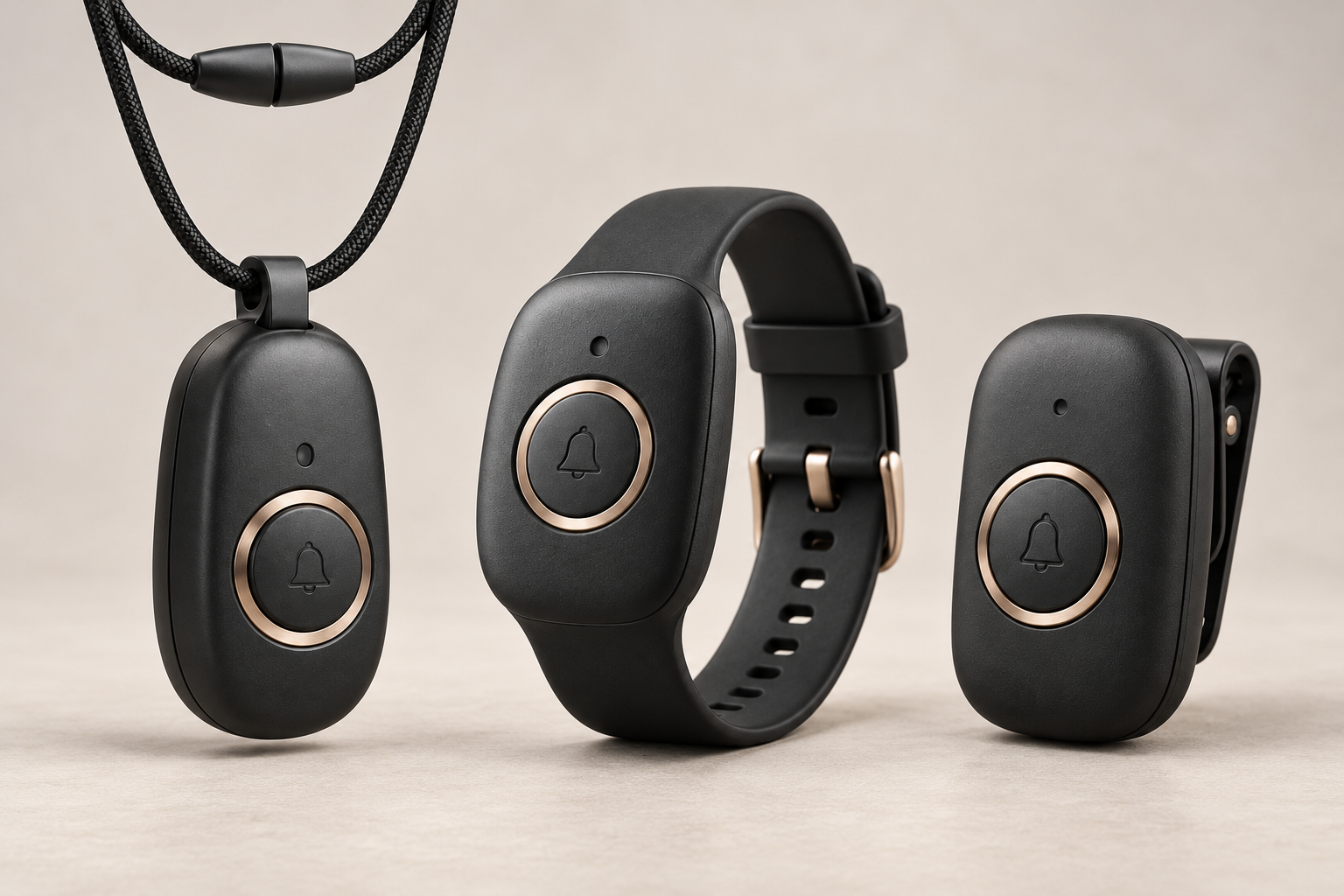
An idea for helping with the pendant, wristband and clip. People should only see what they are allowed to see. Alert steps should be clear.
Choose an example to see what it could mean. These are not real device updates.
A support person may need to check a device without seeing your exact location. They should not add people, take over your device or end your emergency without your permission.
No personal information was requested.
| State | What it means |
|---|---|
| Button pressed | The device saved a deliberate SOS button press. |
| Alert saved online | The service saved the alert. That does not mean a person saw it. |
| Contact saw the alert | A person you chose said they saw the alert. |
| Response shared | A person shared what they are doing to help. This does not mean emergency services were sent. |
| Form | Connection | Health |
|---|---|---|
| Pendant concept | Not connected | Unknown |
| Wristband concept | Not connected | Unknown |
| Clip concept | Not connected | Unknown |
No device counts, personal details or battery levels are guessed.
Contact lists and past locations should not be public. A real support page needs sign-in, clear rules about what each person can see and a record of their actions.
Show only the device details needed to help.
You should know who can see your details and be able to stop sharing.
A contact saying they saw an alert, ending an emergency and repairing a device are separate actions.
This practice page does not change a device or open personal records.